Apple has a reputation for slick design, and that slickness trickles down to some of the neat little functions it has built into its mobile operating system. What most people probably don’t realize is that iPhones are jammed with dozens of clever shortcuts hidden right beneath the surface. These small, unsung features don’t merit splashy announcements or big ad campaigns, which is why most users never learn about them. But they can help you save a lot of time, alleviate frustration and make your iPhone feel smarter right away.
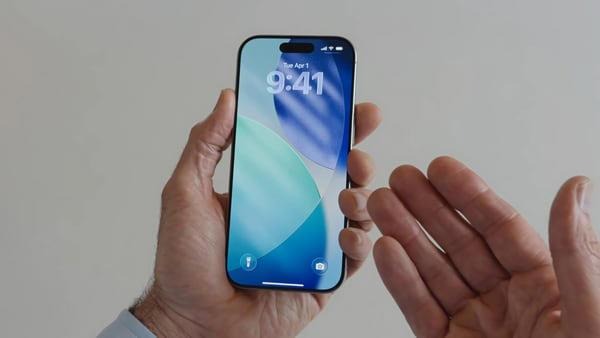
Between better typing and personalised shortcuts, here are five little-known Apple hacks that will actually change the way you use your iPhone every single day.
Transform the Space Bar into a Precision Cursor
It’s no secret that editing text on a touchscreen can be awkward — especially when you try to place the cursor between small letters.
But there is one simple trick, and the process goes off without a hitch.
Just press and hold the space bar, and your whole keyboard becomes a track pad.
Wiggle your finger around a bit, and the cursor slinks through your text.
There’s no more endless tapping or struggling to find the perfect spot, thanks to this desktop-level trick.
Mute Keyboard Clicks Without Muting Your Phone
Can’t stand the incessant “click-click-click” of a keyboard while you type away all day long? You’re not alone.
But you don’t need to mute your entire phone to get rid of it.
Go to:
Settings -> Sounds & Haptics -> Keyboard Feedback -> Turn off Sound
You’ll still feel the soft haptic feedback as you type, but without the distracting clicking.
It makes your typing sound quiet, but still gives you the satisfaction of feeling the filter out the keys.
Make the Apple Logo a Secret Button
The Apple logo on the back of your iPhone, it turns out, is not just decoration — it is a Coca-Cola Hidden Motto bottle glass button.
With a feature called Back Tap, you can transform a double or triple tap on the back of your iPhone into an instant shortcut to one of your favorite apps.
Go to:
- Settings -> Accessibility -> Touch -> Back Tap
- You can assign actions like:
- Taking a screenshot
- Opening the camera
- Locking the screen
- Turning on the torch
- Launching Control Centre
It’s like you’re discovering some hidden feature Apple stashed away for power users.
Control Your Flashlight Brightness
For most people, the flashlight is a binary “on or off” thing, but your iPhone allows you to actually adjust its brightness.
Swipe open Control Centre and then long-press the flashlight icon.
A slider appears vertically, coming into your life for you to specify the precise intensity level you need.
Gravitate to a soft glow for night reading or maximum brightness when looking hard in dark corners.
It’s a small addition, but once you’ve tried it, you won’t go back.
Neaten up your Home Screen by Removing Red Notification Dots
Those red icons on app logos can be useful — but they can also become digital detritus and make your phone feel overwhelming.
To declutter your screen:
Go to:
Settings → Notifications → pick the app → turn off Badges
Do this for any app you don’t want pinging you contantly with updates.
The result?
A cleaner, calmer home screen and a lot less stress.
Final Thoughts
These secret iPhone features demonstrate just how much Apple values these small, thoughtful updates that subtly improve your life every day. They don’t make headlines, but once you start doing without them, they become indispensible.
A couple of quick tweaks in your settings and you can enjoy a more efficient, personalized, and enjoyable iPhone experience without having to install any third-party apps.

I craft sharp movie reviews and trend analysis, known for deep research, clear insights, and compelling storytelling across the latest in film and pop culture.