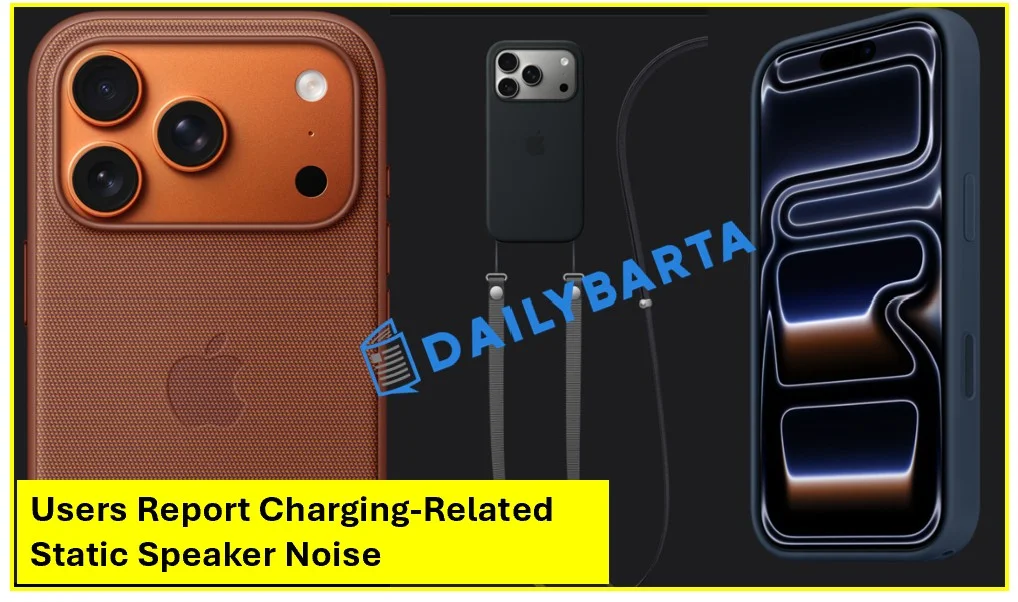

iPhone 17 Pro 17 Pro Max issues-The iPhone 17 Pro and iPhone 17 Pro Max were, for many people, the zenith of smartphone design. With its razor-thin bezels and powerhouse A19 chip, Apple seemed to have set the gold standard yet again. But as the waning days of 2025 tick away, more and more owners reporting an annoying — some say creepy — defect: a constant static noise coming from the speakers when the device is plugged in to charge.
What began with a few isolated reports on Reddit has turned into a widespread discussion across tech forums, as users report hearing anything from a faint “old radio” hiss to an intermittent ticking.
The Glitch Anatomy: What It Sounds Like to Users
The problem isn’t always so evident or near. Many owners found out about the quirk only when they used their phones in a quiet room at night. Symptoms usually develop in a certain order:
- The “Radio” Hiss: A faint, low-pitched white noise or static sound that can be heard coming from the bottom speaker when a USB-C cable is plugged in.
- The Scrolling Crackle: Some users have reported that the sound becomes louder or changes pitch when scrolling through media-heavy apps like TikTok or Instagram.
- The Mute Mystery: Interestingly, the static refuses to cooperate even when you have your phone’s sound off or if you’ve slid all of the volumes down to zero.
- Battery Thresholds: Curiously, WiWavelength has said that the noise started being heard after charging reached between 80% and 100%, making some think that it was related to how the phone is ‘trickle charged’.
For a gadget that costs more than $1,100, the mechanical hum of electricity is something more than an annoyance — it raises questions for some about the insulation protecting what’s inside.
Using a Screen Protector on iPhone 17 May Disable a Key Display Feature
Hardware Defect or Software Gremlin?
The burning question is whether this is an unfixable hardware flaw or a fixable software bug. As we get closer to December 31, 2025 there is some division in the community and even Apple’s support seems unclear about when it will be shut down.
On one hand, the fact that the noise is physically connected to its charge state may indicate: groundish noise… This is commonly known as “coil whine” or EMI. Audio devices themselves are usually entirely self-contained, and the circuitry that controls its power (turning it up and down) isn’t sufficiently isolated from that hardware — so then you get leakage into the “strait” path.
Others, however, who say they’ve spoken with Apple Engineering insist that a firmware patch is on the way. This theory is that the A19’s power management controller is running at a frequency that some how screws around with the audio driver and can get “tuned out” via a software patch in iOS 26.3.
Apple to Introduce Satellite-Based Features for iPhones and Apple Watch.
Frustration of the “exchange loop”
And most disheartening for early adopters is the “exchange loop.” By now, many people at the MacRumors forum have brought their faulty items back to the Apple Store for replacement but found out that even the replacement unit brand new from us also has “the same static” problem.
“I am in the market for my third iPhone 17 Pro Max and they all hiss like a snake when I plug them in by my bedside,” one user wrote. “At this stage, it sounds like a design feature, not a fault.
This would indicate the issue might be systemic to a particular batch — or maybe even an entire first run of production forces. Although MagSafe charging looks like a workable workaround for some — since it’s rumoured to result in a much less noisy hiss — but it certainly doesn’t solve the issue for those that want faster speeds than what wireless charging can provide.
How to Check Your Device?
If you have an iPhone 17 Pro or Pro Max, and wish to conduct a basic “quiet room test” to see whether your unit could be impacted:
- Find a completely silent environment.
- Connect your iPhone to a wall charger with a USB-C cable.
- Open an app with audio (YouTube will work) and move the volume slider down to zero.
- Put the bottom speaker (located near the charging port) directly to your ear.
- If you hear a slight, high pitched buzzing or “sizzling” noise then there may be an interference.
Read more: The iPhone Notes App
Looking Ahead: Could There Be a Fix?
As we look into 2026 that ball’s in Apple’s court. Although the company has not released a public statement or global recall as yet, senior engineering is now being escalated these tickets to which suggests they are taking it seriously.
For now, Bloomberg is telling users to keep their software up to date and for those whose noise can be heard from more than 40 centimeters away, they should document the issue with Apple Support to protect themselves under their warranty in the event that a hardware repair program is indeed announced.

A versatile writer mainly works on trending news, daily updates from politics, business, crime, current affairs and entertainment.